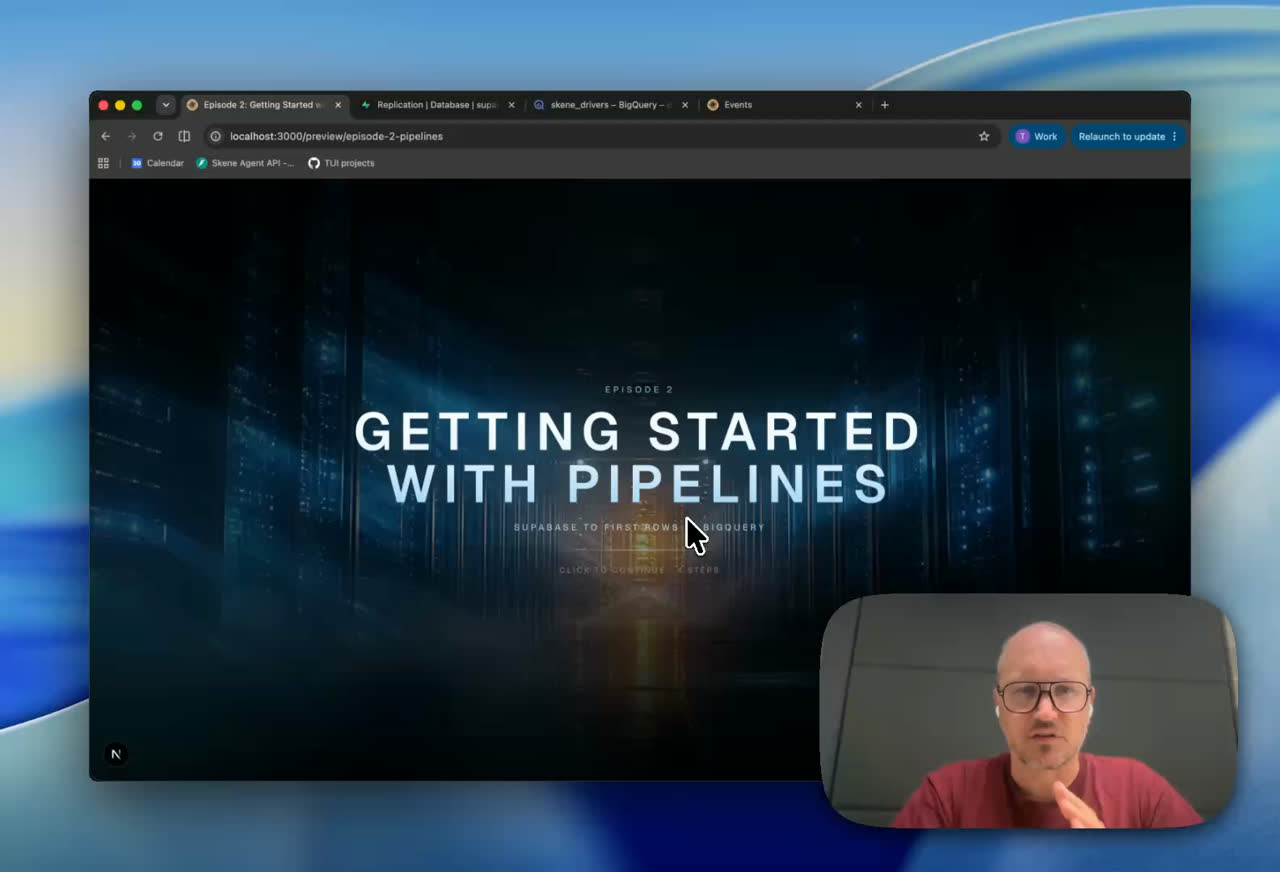
Two things have to be true
Pipelines is managed change data capture: Postgres logical replication, run for you, using the open-source Supabase ETL engine. As reviewed 16 September 2026, it is in public alpha. BigQuery is managed; ClickHouse, DuckLake and Snowflake are Early Access.
Before anything moves you need a publication (what to replicate) and a destination (where it goes).
Create the publication
The publication is SQL, not a dashboard toggle. You write it, which is the first good sign: the list of what leaves your database is a thing you author on purpose.
create publication analytics_pub
for table workspaces, repositories, checks;
That tracks inserts, updates, deletes, and truncates on those three tables. You can also publish a whole schema or every table in the database. Do not. Episode 3 is about why.
Once it exists it shows up under Database, then Publications, so you can see what you committed to.
Point it at BigQuery
On the Google side you need three things: a project, a dataset, and a service account key with the BigQuery Data Editor role. In Supabase, go to Database, then Replication, click Add destination, choose BigQuery, and enable Pipelines.
Then fill in the destination: a name, the publication you just created, the project ID, the dataset ID, and the service account JSON.
The one that catches people. The GCP console shows your dataset as project-id.dataset-id. Supabase wants only the part after the dot.Billing and region, plainly
Supabase runs the pipeline. Google runs BigQuery, and BigQuery is billed to your Google account for storage and for every byte a query scans. Nobody's free tier absorbs a wide select * against a replicated table at nine in the morning. Budget for the warehouse separately from the database.
A BigQuery dataset's location is set when you create it and cannot be changed afterwards. Our Supabase project is in Frankfurt, so the dataset is in Frankfurt (europe-west3). Same continent is not the same as same region, the difference shows up as egress on the Google bill, and if you have made a data-residency promise to a customer, this is the field that keeps it.
Then it runs
Click Create and start. Pipelines copies each table once (the initial sync), then switches that table to continuous streaming. Tables move through Copying and then sit at Live.
The initial sync is the part worth watching. A large, busy table can still be copying while writes pile up behind it, and if the copy falls far enough behind, its temporary replication slot is lost and the table starts over. If you have a big table, run the first copy during a quiet window. It is a one-time cost, and it is much cheaper than paying it twice.